New Setting for Finding Tables
This update introduces a condition-based table search strategy to improve table detection accuracy. When enabled, the system scans all visible tables on the page and selects the one that matches the defined condition (such as “column contains” or “cell value matches”). When disabled, the system defaults to evaluating only the first table, which is faster, but may lead to incorrect matches.
The new setting can be found by going to Settings -> Advanced:
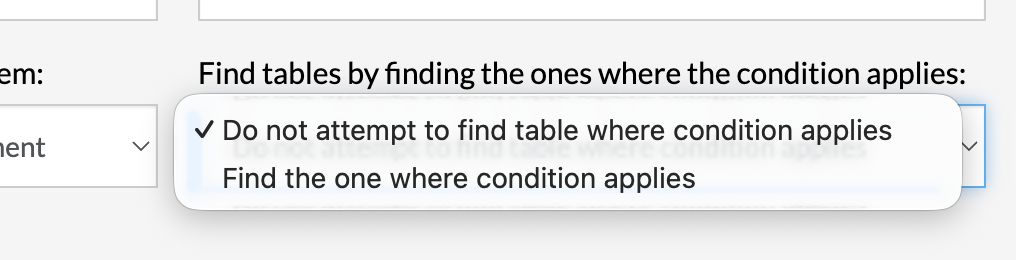
Caption: New setting dropdown for table finding logic.
The feature is enabled by default for new test suites and improves test reliability by ensuring the correct table is targeted. This update also adds support for complex grid-based tables and introduces table label referencing, allowing tables to be identified and interacted with using descriptive text associated with them.
Was this article helpful?
That’s Great!
Thank you for your feedback
Sorry! We couldn't be helpful
Thank you for your feedback
Feedback sent
We appreciate your effort and will try to fix the article