Copy Reusable Rules to Another Suite
The new copy rules button in testRigor lets you duplicate reusable rules to other test suites efficiently. Choose from two methods: For a single rule copy, select one rule and click the Copy button. A modal opens where you pick the target test suite or suites. For bulk copy, click the new Select Multiple button to choose multiple rules or entire folders. Use Cancel to abort or Copy to proceed. Target test suites are pre-selected.
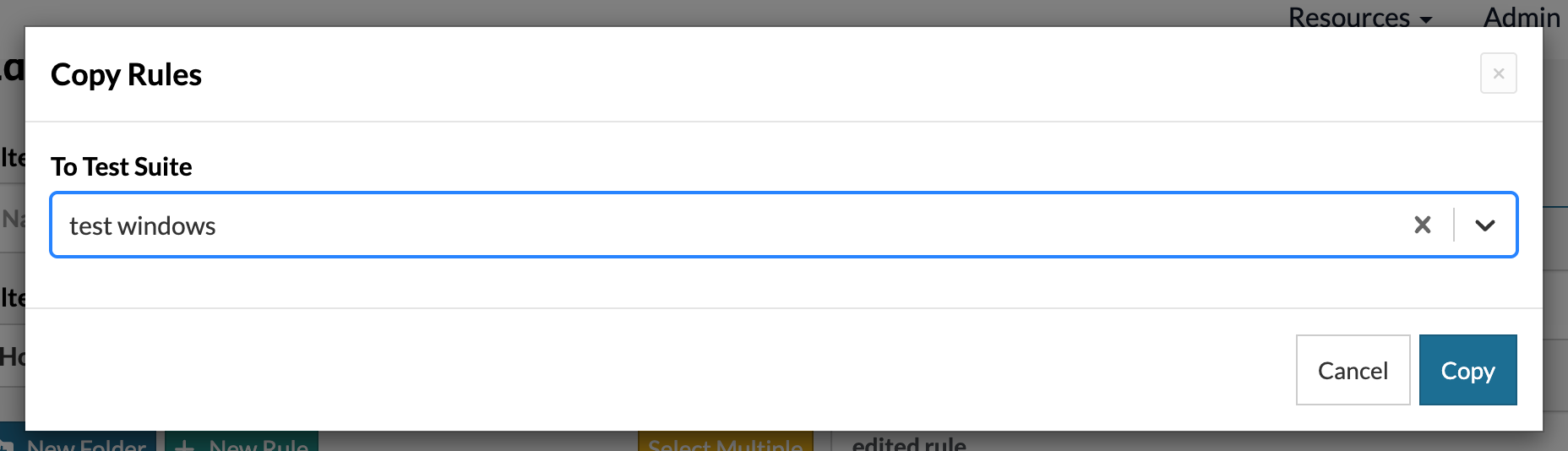
Caption: New Copy Rules modal.
If a rule with the same name exists in the target suite, testRigor displays a conflict modal. Review differences in properties side-by-side for each conflict. Then decide to skip and preserve the existing rule, or overwrite and replace it with the copied version. Copied rules and all rules within folders appear immediately in the target test suite. This streamlines your QA workflow.
Copy Suite Settings Button
The copy settings feature works just like copy rules. Click the Copy button to open the modal. Select your target test suite, and all settings transfer automatically to the target.
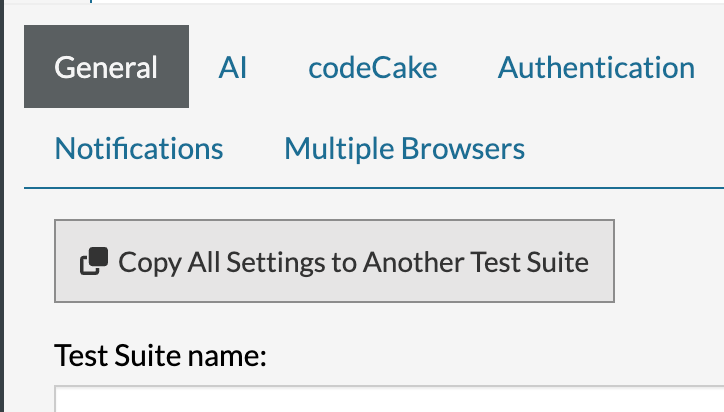
Caption: New Copy Settings Button.
testRigor handles files intelligently by creating copies of each one, so this ensures complete duplication without manual intervention, simplifying QA setup across test suites.
Homepage Pagination
Lastly, the testRigor homepage now shows a paginated list of your test suites. This replaces the single long list, making navigation faster and easier as your number of suites grow.
Was this article helpful?
That’s Great!
Thank you for your feedback
Sorry! We couldn't be helpful
Thank you for your feedback
Feedback sent
We appreciate your effort and will try to fix the article